
Wednesday 18 February 2026
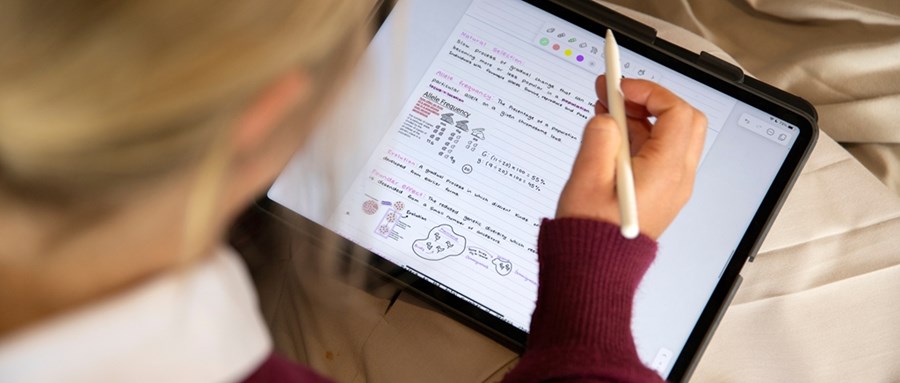
With the focus at the start of this year on Creating Optimal Conditions for Learning (OC4L), we have established practices that ensure that students are using their iPads productively in class. The move a few years ago to the lease programme and this year our purchase programme, is driven in part by the importance of being able to manage devices on the College’s network.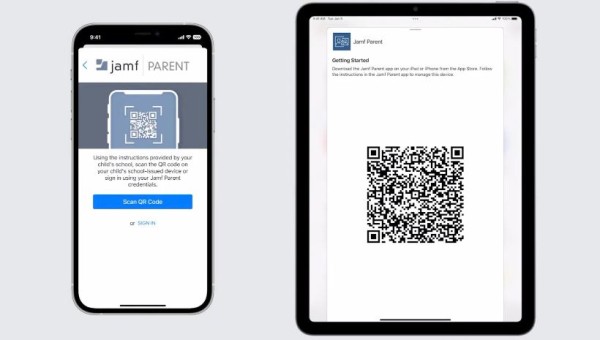
Approved apps are downloaded from the Self Service app, which is installed on a student’s iPad when it is set up for the College network. Self Service is our own bespoke App Store, and approved apps can be added to it on request.
A lot of our apps are free for education (eg Notabilty) or purchased under Apple’s Volume Purchase Programme at a discounted cost, giving us a considerable advantage over non-academic purchasers. Some apps have to managed through our mobile device management (MDM) and therefore, the ability to provision apps and supervise devices, requires a fully coordinated management system with 100% compliance.
We recognise that while our controls help guide students during school hours, many of you would like to have a degree of control over what your child does on their device at home. Since our school management of the device prevents parents from setting their own restrictions, we recommend using the Jamf Parent app.
Jamf Parent is a tool that allows you to manage your child’s school-issued device from your own phone. It's an excellent way to partner with us in reinforcing healthy digital habits.
Parents can:
- Allow and restrict apps on your child's iPad
- Set a timer for app restrictions
- Schedule app restrictions on your child’s device based on location, movement and time of day - perfect for ensuring homework time is distraction-free or managing screen time after school.
We encourage you to use Jamf Parent to take an active role in guiding your child's use of their school-issued device at home.
Resources for setting up Jamf Parent:
- Download Jamf Parent to your iPhone, iPad or Apple Watch from the App Store.
- Watch the set-up video on YouTube.
- Getting started with Jamf Parent - an online guide to setting up and using the app.
Please Note:
We will soon be ensuring that students are only using a managed Apple login to their iPad, this is so we can ensure the class teacher has visibility of student activity on their device.
Any students that are currently using a personal Apple ID, maybe as part of a family group, will need to switch to their Managed Apple ID (their King's College email address). In some cases, parents may have locked the ability for students to sign-out, this will require the parents to adjust this setting.