
Wednesday 18 February 2026
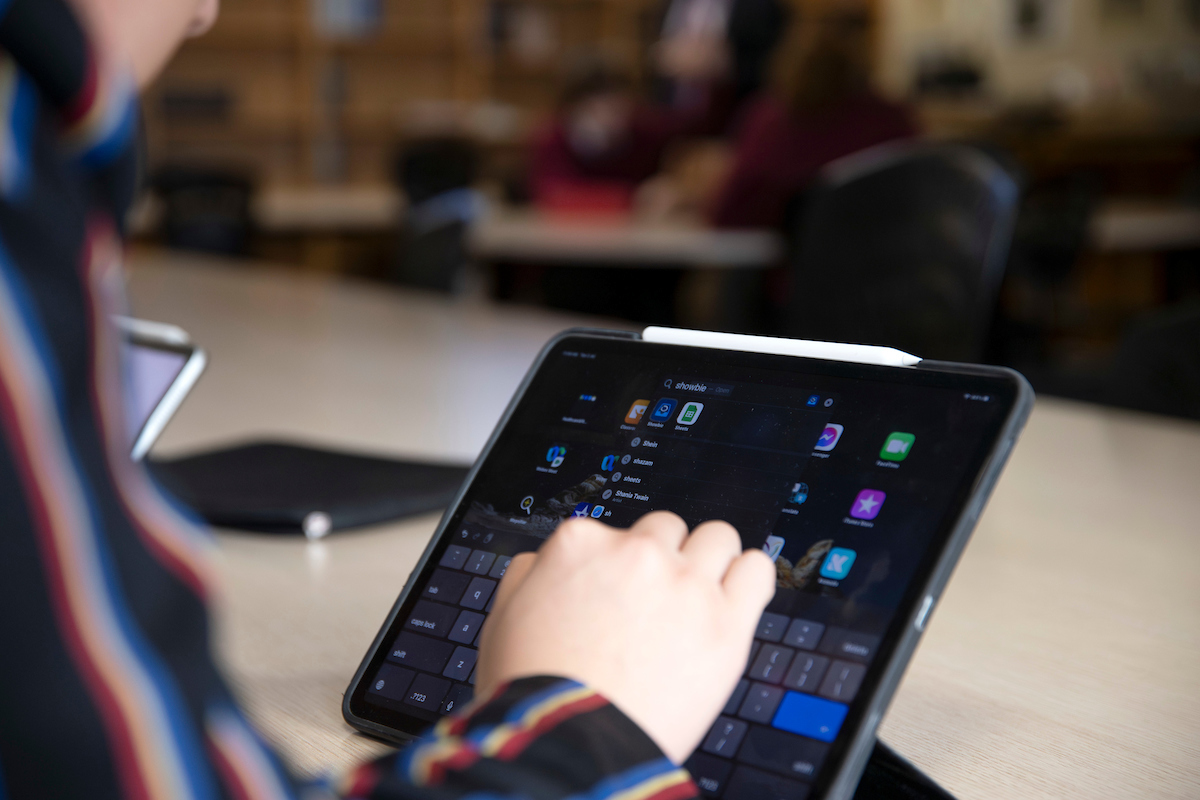
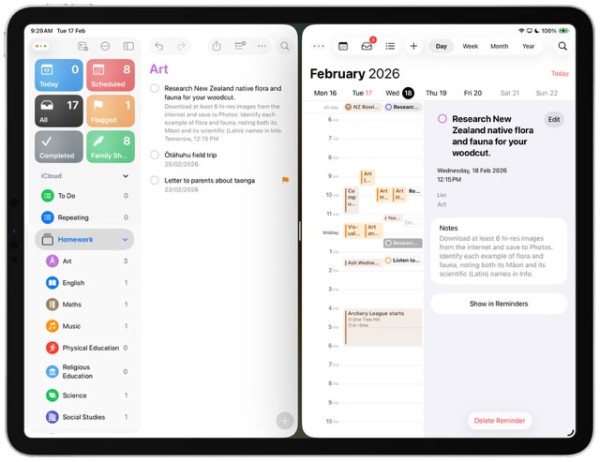 Our students sometimes face challenges juggling the many demands on their time: life suddenly becomes a lot busier at King’s College, and we expect every student to manage their own responsibilities. Using personal organisers can assist in helping them to stay on top of these demands. In the iPad introductory courses at the start of term, all new students were shown how to record prep in the Reminders app, and to sync that to Calendar on their iPads.
Students will receive prep for each subject in most lessons. Sometimes this will be due the next day, at others it may be for a longer project. Our students are expected to enter prep for every subject in the Reminders app, adding any relevant notes and the due date and time. The Calendar app can be synced to the College calendar in Schoolbox, which will also show their personal timetable: this, in turn, can be synced to Reminders so that they can see their prep requirements in the context of all the other events that take place at school. The instructions for setting up both Calendar and Reminders can be found on Schoolbox here.
It’s worth considering setting up a shared family list in the Reminders app, so that you can keep track of appointments or other important reminders and see them in a broader family context too. Instructions on how to set up a shared list can be found here.